Bhookly vs spreadsheets.
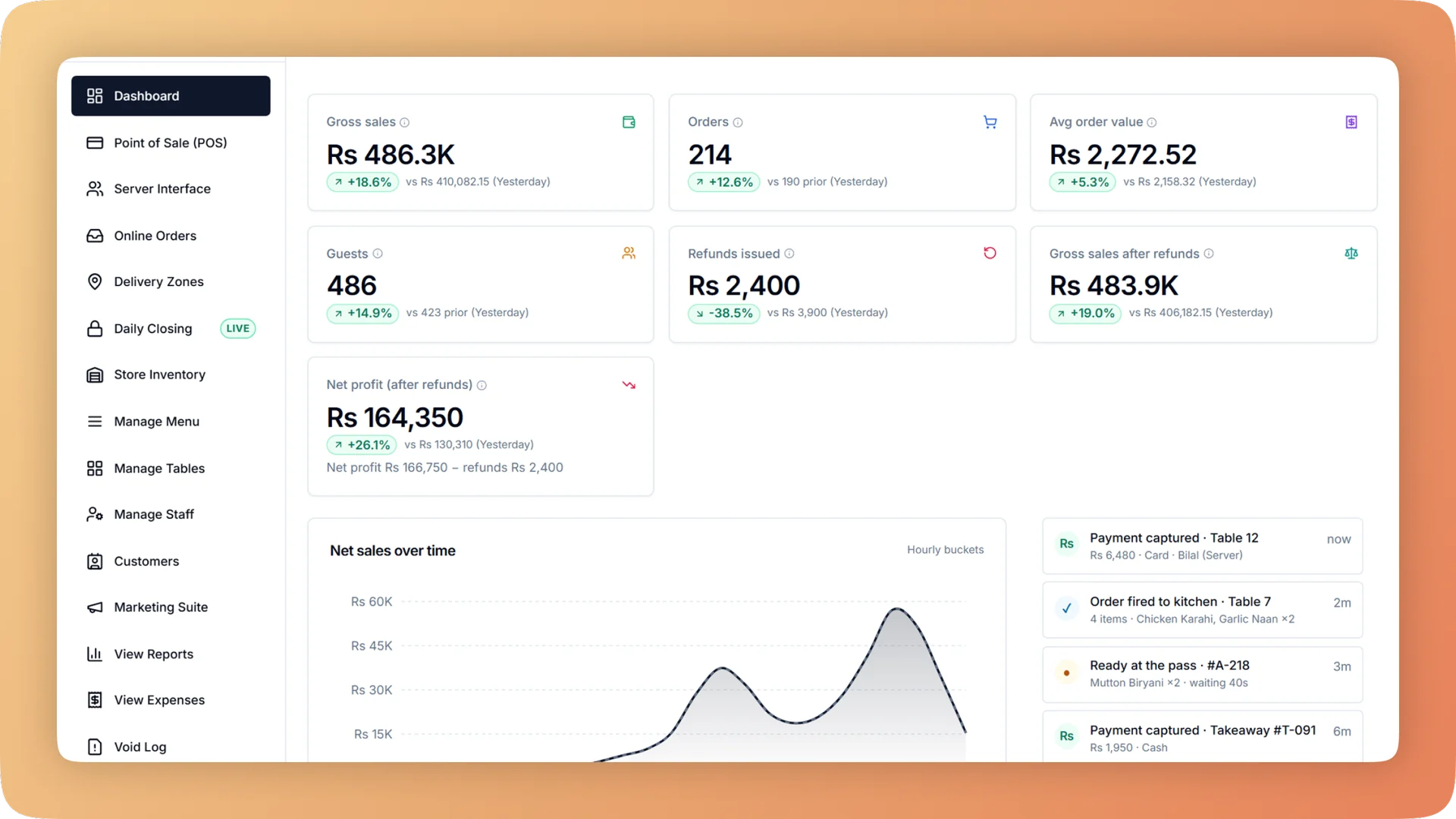
Spreadsheets are where many restaurants track sales, stock, food cost and expenses, usually typed in the next morning from the previous night's slips. They are flexible and free, and a careful owner can get real answers out of them, but every number is as old as the last time someone typed, and one wrong unit can spoil the whole sheet. Bhookly records the same figures as the restaurant works and guards them against the mistakes a spreadsheet lets through.
| Dimension | Bhookly | Spreadsheets |
|---|---|---|
| Data entry | Captured as you sell: every order, payment, void and discount carries a name and a time | Typed in afterwards from slips |
| Stock levels | Each recipe ingredient leaves stock when the bill is paid | Updated by hand after a count |
| Unit mistakes | Units lock once in use, and a recipe line that costs more than the dish sells for blocks saving | One wrong cell changes every total below it |
| Food cost per dish | A recipe per dish, size and add-on, with packaging costed when the order leaves | A costing sheet that goes stale when a supplier price changes |
| Stock counts | Enter what is on the shelf and see the gap in units and rupees | A subtraction you set up yourself |
| Stock buys and profit | Stock becomes a cost when it sells, not when it is bought, so a delivery does not sink the day's margin | Depends on how the sheet was built |
| Reordering | Low items grouped by supplier with usage per day, days of cover and a suggested quantity; one tap creates the order | A look at the shelf and a phone call |
| Cash reconciliation | Guided nightly count of cash, card and online with a verdict for each | A daily row someone fills in |
| Profit and loss | Gross sales down to net profit by hour, day, week or month, compared with the previous period | Built by hand at month end |
| Who can change the numbers | Closed days are final, and void, day-close and tax logs cannot be edited or deleted | Anyone with the file |
| Multi-branch view | Consolidated automatically | Separate files to merge |
| For the accountant | A read-only login, and a month-end workbook with a Basis sheet defining every line | A file sent on WhatsApp |
Where spreadsheets wins
We'll be straight with you: here's where spreadsheets has the edge.
- Total flexibility: any calculation you can think of, laid out your way
- Free if you already have them
- Good for one-off questions and what-if models, which is why Bhookly exports to Excel
Switching
Your spreadsheets are the fastest way into Bhookly. The menu and its recipes load from one file, stock items from another, and your customer list from a third, each checked row by row with bad rows flagged before anything is saved. Enter each supplier's unpaid balance as an opening balance. If only some dishes have recipes, use a fixed cost or a percentage of price for the rest, so margin reports work from the first day and improve as you add recipes. You keep Excel for analysis: every report exports, and the month-end pack is one workbook.
“Setup took less than a morning. By dinner service we were fully live. I've onboarded three POS systems over the years — this is by far the fastest I've ever seen a team get comfortable.”
Things people usually ask us.
Still have a question? Message us and we reply the same day.
Can I still export to Excel?
Yes, Bhookly exports its reports to Excel. The month-end pack is one workbook with every report, and each export includes a Basis sheet that defines every line, so your accountant does not have to ask how a number was calculated.
Can I import my existing spreadsheets into Bhookly?
Yes, Bhookly imports the menu with its recipes, stock items and your customer list from spreadsheets. Each file is checked row by row and bad rows are flagged before anything is saved.
Why is a POS better than Excel for restaurant inventory?
A POS knows what was sold, so it can deduct stock by itself. In Bhookly, each recipe ingredient leaves stock when the bill is paid, a count shows the gap in units and rupees, and low items are grouped by supplier with a suggested order quantity. In a spreadsheet, every one of those steps is typed by hand.
How does Bhookly stop the typing mistakes that ruin a spreadsheet?
Bhookly locks an item's units once it is in use, asks for a tick to confirm a large opening value, and blocks a recipe line that costs more than the dish sells for. Those guards exist because of real cases: one café's milk stock went to minus 386 litres from a unit mistake, and a single typo once made up 81% of a café's stock value.
Can Bhookly replace my food cost spreadsheet?
Yes, Bhookly shows price, cost, profit and margin for every dish. A dish can be costed by a recipe, a fixed cost or a percentage of price, each size and add-on carries its own recipe, and a takeaway cup, lid or bag is costed only when the order leaves.
Does Bhookly produce a profit and loss statement?
Yes, Bhookly produces a profit and loss statement from gross sales down to net profit, by hour, day, week or month, compared with the previous period. Stock becomes a cost when it sells, not when it is bought, so a day cannot show minus 78% margin only because a delivery landed, as one restaurant's figures once did.
See why restaurants choose Bhookly.
چلیں، شروع کریں
Book a 20-minute demo. We'll show you Bhookly running on your kind of restaurant, with no pressure and no obligation.
- No lock-in contracts
- Live in a morning
- Same-day WhatsApp support