Bhookly vs legacy desktop POS.
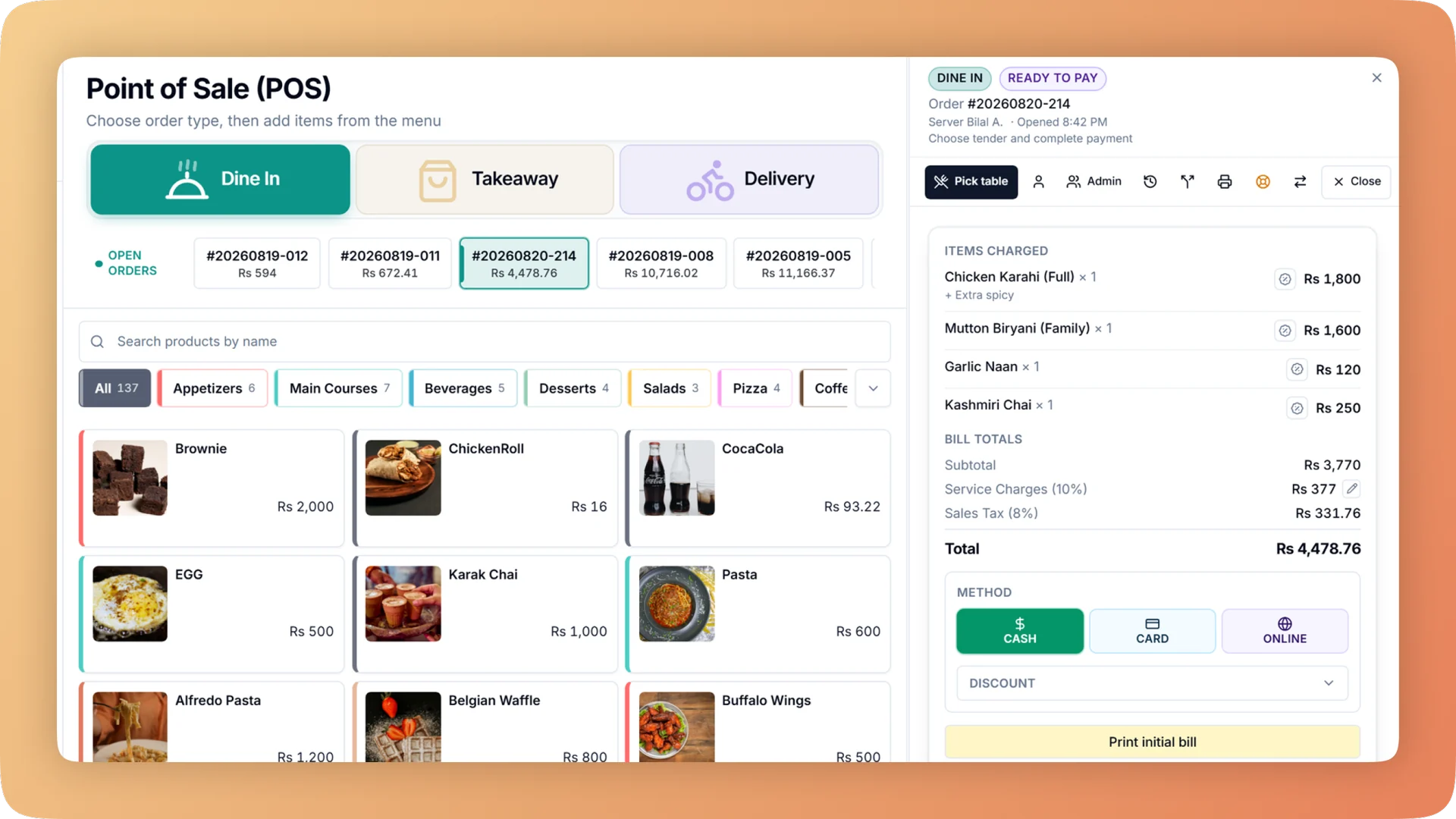
Older desktop POS systems are common in Pakistani restaurants: one PC at the counter, a local database, a technician who visits to install updates, and reports that only open on that machine. They bill reliably and work without internet, which is why they have lasted. Bhookly keeps both strengths and adds what a desktop system from another decade does not have: a guided nightly cash close, stock that follows sales, the owner's view from a phone, and online ordering, WhatsApp ordering and loyalty on the same system.
| Dimension | Bhookly | Legacy desktop POS |
|---|---|---|
| Where it runs | A Windows app on the counter PC, an Android app for waiters, and any browser on a phone or tablet | One PC, sometimes a second on a local network |
| Offline resilience | The Windows and Android apps keep selling through an internet cut, then sync | Works offline, because it never goes online |
| Updates | Downloaded in the background and installed at a safe moment; an open bill survives the restart | Often a paid visit or a new version to buy |
| The owner's view | Live sales, voids, cash in the drawer and open orders from anywhere, and a Z report by email after each close | Reports on the counter PC |
| Cash control | Declared opening float, up to four drawer counts a day, and a guided close with short or over per payment type | A day-end total to compare with the drawer |
| Voids and edits | Manager PIN, a reason, and logs that cannot be edited or deleted even in the database | Often editable by whoever has the admin password |
| Kitchen | Kitchen display, printed tickets or a mix per station, with a printer per station | Usually one kitchen printer |
| Stock and food cost | Recipes deduct stock on each sale; every dish shows its margin | A stock module, where one exists, kept up by hand |
| Fiscal invoicing | FBR, PRA and KPRA: filed at payment, with a retry queue if the authority is down | Often a separate integration to buy |
| Online ordering & CRM | Ordering website in twelve designs, table QR, WhatsApp ordering and a customer directory, on the same menu | Usually extra or absent |
| Hardware | The PC you already own, common thermal printers and USB scanners | Often tied to the vendor's hardware |
| Your data | One database per restaurant, kept apart from every other restaurant's | On the counter PC's hard disk |
| Contract | Month-to-month, cancel anytime | Often a licence fee plus yearly maintenance |
Where legacy desktop POS wins
We'll be straight with you: here's where legacy desktop POS has the edge.
- Familiar to long-serving staff, who can bill on it without thinking
- Fully offline by design, with no dependence on an internet connection at all
- A one-time licence can cost less over many years than a subscription
- A local technician who knows your setup and will come to the shop
Switching
Ask your current vendor for an export of the item list, and of customers and stock if the system holds them; most desktop systems can produce an Excel or CSV file. Bhookly's team sets up the restaurant and loads the menu for you, and the Windows app runs on the counter PC you already own, with silent printing to your existing thermal printers and a test print and alignment ruler to set them up. Enter supplier opening balances on day one. Many restaurants run the old system beside Bhookly for a few days, then switch after a clean day close.
“We were managing everything on paper and WhatsApp. Bhookly changed that in a single day. Our kitchen team actually wants to use it — which has never happened with any software before.”
Things people usually ask us.
Still have a question? Message us and we reply the same day.
Do I need to buy special hardware?
No, Bhookly runs on the hardware most restaurants already have. The Windows app works on the existing counter PC with common thermal printers, waiters use an Android tablet, and any phone or laptop browser can open the reports. Bhookly can also supply pre-configured hardware if you prefer.
Is there a long contract?
No. Bhookly is month-to-month with no setup fee, and you can cancel at any time.
Does Bhookly work without internet like my desktop POS?
Yes, in the Windows and Android apps. Bhookly keeps taking orders, printing kitchen tickets and taking payment through an internet cut; orders carry a temporary code and sync later, and anything that cannot sync goes to a manager queue.
Can my old POS data be moved to Bhookly?
Yes, if your old system can export it to a spreadsheet. Bhookly imports the menu and recipes, stock items and the customer list from files, checks each row before saving, and records what you owe each supplier as an opening balance.
Why replace a desktop POS that still works?
Because billing is only part of the job. Bhookly adds a guided nightly count of cash, card and online, a void log that cannot be edited, stock that follows sales, margin per dish, a live view for the owner from a phone, and online ordering and loyalty on the same menu.
Will updates interrupt service?
No, Bhookly's Windows app downloads updates in the background and waits for a safe moment to install. An open bill survives the restart, and an unfinished order is restored after a crash or refresh.
See why restaurants choose Bhookly.
چلیں، شروع کریں
Book a 20-minute demo. We'll show you Bhookly running on your kind of restaurant, with no pressure and no obligation.
- No lock-in contracts
- Live in a morning
- Same-day WhatsApp support