Restaurant purchase orders and supplier management where no price rises unnoticed.
Suppliers cannot raise prices unnoticed. Bhookly builds the buying list, waits for your approval, sends the order by WhatsApp, and updates stock, cost and the supplier's bill when the delivery arrives.
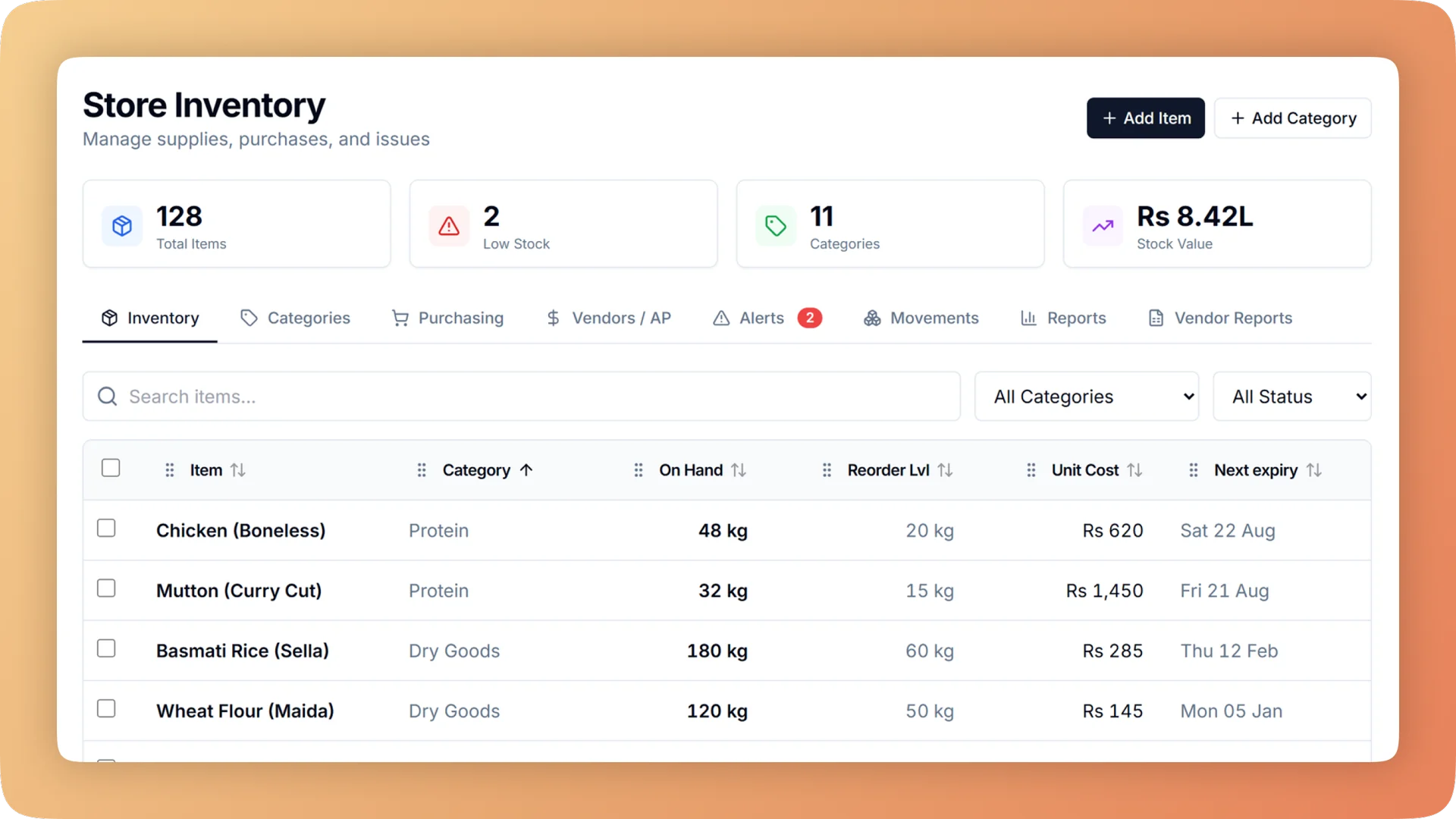
Purchasing & Suppliers on a live shift.
Restaurant purchase orders and supplier management: approve orders, send them by WhatsApp, receive in one tap, track what you owe and catch price rises.
- Purchase orders sent by WhatsApp or as a printed slip, received with one "Everything arrived" button
- A storekeeper's order waits for the owner's approval before it goes out
- An alert when a delivery costs 10% more than the last one
- Every supplier with what is owed and a plain status: settled, due in N days or N days late
- Consignment suppliers paid from what actually sold, not from what they dropped off
What you get with Purchasing & Suppliers.
- One step from delivery to books
- Receiving a purchase order updates stock, the item's cost and the supplier's bill together. If everything came, it is one button. If the delivery is short, Bhookly asks for a reason before it saves.
- No unapproved spending
- A storekeeper can raise an order, but it waits for the owner. You see what is being bought and from whom before any money is committed.
- Price rises caught at the door
- When a delivery costs 10% more than last time, Bhookly raises an alert. A report of supplier price changes and punctuality shows who is drifting up and who turns up late.
- Payables without accounting software
- A bill is drafted for each delivery and confirmed against the supplier's real invoice. Pay in full or in part, by cash or bank, and print a branded statement as a PDF.
- Market runs written once
- Record what was bought at the market, the price, who paid and a photo of the bill. Stock goes up and the money is recorded a single time, whichever pocket it came from.
- Consignment settled from real sales
- For goods a supplier places on your shelf, receiving creates no bill. Bhookly works out the payout from what was sold. One restaurant runs 22 such suppliers this way.
Everything Purchasing & Suppliers does.
Used by owners, storekeepers, inventory managers, managers and accountants.
Purchase orders
From the buying list to the delivery at the back door.
- What to buy now
- A buying list filled in for you from stock levels and usage. It becomes one purchase order per supplier.
- Reorder suggestions grouped by supplier
- Low items arrive already sorted by who sells them, each with days of cover and a suggested quantity, so one tap raises the order.
- Create a purchase order
- Pick the supplier, the items, the quantities and the prices. The order moves from created to approved, sent and received.
- Owner approval
- An order raised by a storekeeper waits until the owner approves it.
- Send by WhatsApp or printed slip
- Send the approved order to the supplier on WhatsApp, or print a slip to hand over.
- Receive a delivery
- "Everything arrived" is one button. Stock, cost and the supplier's bill update in the same step.
- Short deliveries
- If less arrived than was ordered, enter what came and give a reason. The shortfall stays on the record against that supplier.
- Quick restock
- For something bought and brought back the same day, record it in one screen. Stock and the debt to the supplier update together.
Suppliers and what you owe
A payables ledger that the person in the building can keep.
- Supplier directory
- Every supplier in one list, each with the amount owed and a plain status: settled, due in N days or N days late.
- Supplier bills
- A bill is drafted from each delivery. Confirm it against the supplier's real invoice before it counts as owed.
- Payments in full or part
- Pay a bill completely or partly, by cash or bank. The balance owed updates at once.
- Branded PDF statement
- Print a supplier statement as a PDF with your restaurant's branding, showing bills, payments and the balance.
- Opening balances
- Record what you already owed each supplier on day one, so moving off a paper ledger loses no history.
- Returns to supplier
- Send stock back for credit, a cash refund or a bank refund, approved with a PIN. A return reduces what is owed.
Consignment
For goods a supplier stocks and you sell, such as cakes from a home baker.
- Consignment suppliers
- Mark a supplier as consignment when the goods stay theirs until a customer buys them.
- Receiving without a bill
- Taking in consignment stock creates no bill and no debt. You owe nothing for a cake that has not sold.
- Payouts from real sales
- Bhookly calculates each seller's payout from the units that actually went through the till.
- Many sellers on one shelf
- Each consignment supplier is settled separately. One restaurant keeps 22 of them straight this way.
Market buys and cash
Cash that leaves "for stock" is matched to the stock that arrived.
- One way to record a market buy
- After a market run, record what was bought and at what price in a single entry.
- Who paid
- Choose the source of the money: till cash, petty cash, the buyer's own pocket or the company account.
- Bill photo
- Attach a photo of the market bill to the purchase, so the receipt is there when someone asks.
- Money written once
- The purchase adds the stock and records the payment in one go. Nobody enters the same cash again somewhere else.
- Cash out linked to stock purchases
- Cash taken from the drawer for stock is linked to the stock it bought, so the drawer and the storeroom agree.
- Stock buys are not counted twice
- A purchase is stock, not an expense. It becomes a cost when the dish sells, so buying days do not show false losses.
Prices and supplier performance
The evidence you need when it is time to negotiate or switch.
- Price-rise alert at 10%
- An alert appears when a delivery's price is 10% or more above the last delivery of the same item.
- Supplier price changes report
- A report of how each supplier's prices have moved, item by item.
- Supplier punctuality report
- See which suppliers deliver when they said they would and which run late.
- Cost updated on every delivery
- Receiving at a new price updates the item's cost, so your food cost reflects what you are paying now.
“The table layout builder alone saved us from so much confusion during peak hours. And the analytics finally gave us a real picture of what's actually selling versus what we think is selling.”
Things people usually ask us.
Still have a question? Message us and we reply the same day.
Can I send purchase orders to suppliers on WhatsApp?
Yes. Bhookly sends an approved purchase order to the supplier by WhatsApp, or prints it as a slip. When the delivery arrives, one "Everything arrived" button updates stock, cost and the supplier's bill.
Can I stop staff from ordering stock without my approval?
Yes. In Bhookly, a purchase order raised by a storekeeper waits for the owner's approval before it can be sent. Returns to a supplier need a PIN as well.
How do I know when a supplier raises prices?
Bhookly alerts you when a delivery costs 10% more than the last time you bought the same item. A supplier price changes report shows the movement over time, next to a punctuality report for late deliveries.
Can I track how much I owe each supplier?
Yes. Bhookly's supplier directory shows what is owed to every supplier and whether it is settled, due in a number of days or late. Bills are drafted from deliveries, payments can be full or partial by cash or bank, and a branded statement prints as a PDF.
How does consignment stock work in a restaurant POS?
In Bhookly, receiving consignment goods creates no bill, and the supplier's payout is calculated from real sales. It suits a café selling cakes from a home baker: you pay for the slices that sold. One restaurant settles 22 consignment suppliers this way.
How do I record a cash purchase from the market?
Bhookly has one market buy entry: what was bought, the price, who paid and a photo of the bill. The payer can be till cash, petty cash, the buyer or the company account, and the money is written once so it is never double entered.
Does buying stock count as an expense on the day I buy it?
No. In Bhookly, stock becomes a cost when it sells, not when it is bought. One restaurant's day once showed a minus 78% margin only because a delivery landed, which is the error this rule removes.
I already owe suppliers money. Can I bring those balances in?
Yes. Bhookly records an opening balance for each supplier, the amount already owed on day one. Your paper ledger's history carries over and the first payment reduces the right figure.
Works with the rest of Bhookly
Let's get your restaurant running on Bhookly.
چلیں، شروع کریں
Book a 20-minute demo. We'll show you Bhookly running on your kind of restaurant, with no pressure and no obligation.
- No lock-in contracts
- Live in a morning
- Same-day WhatsApp support