Kitchen production planning where every hand-off has a name.
List the dishes for a date and Bhookly works out every ingredient and prep item, then checks it against what the kitchen and the store hold. Stock moves only through a request, so a shortage has a place and a person attached.
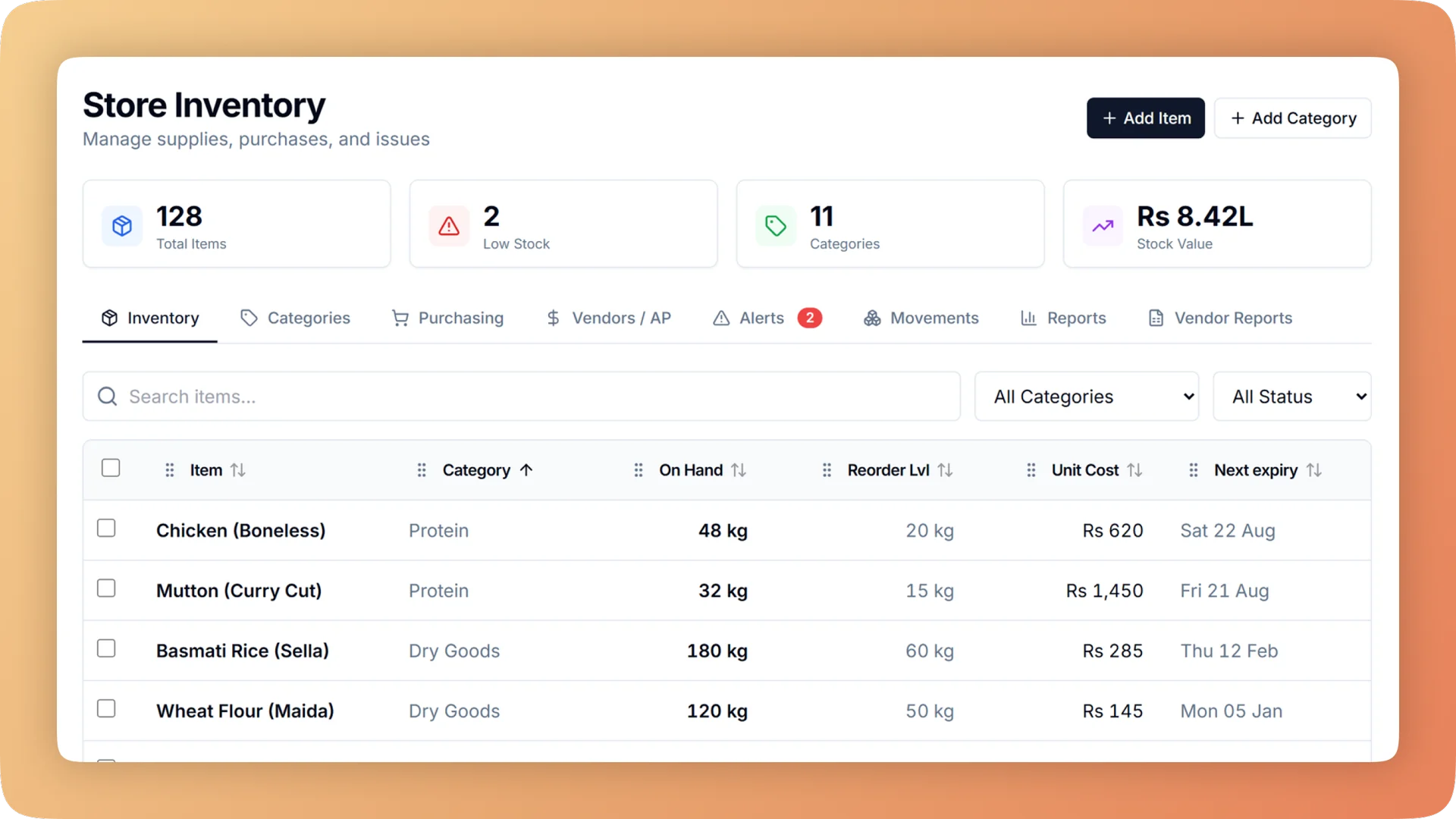
Kitchen Production Planning on a live shift.
Plan what the kitchen will cook, see every ingredient it needs, and move stock from store to kitchen by recorded request, with a name, a quantity and a time.
- A cooking plan that lists every ingredient and prep item, compared with stock in the kitchen and the store
- Store and kitchen stock kept separately, moved only by a recorded request
- Batches of gravy, dough or sauce recorded with yield and a use-by date
- Reports for used versus should have used, lost in transit by person, and yield by cook
- WhatsApp alerts and a morning digest for the owner
What you get with Kitchen Production Planning.
- Know the quantities before the shift starts
- List what will be cooked for a date. Bhookly works out every ingredient and every prep item from the recipes, and compares the total with what the kitchen and the store are holding. No guessing, and no last-minute market run.
- Store and kitchen cannot blame each other
- The kitchen requests, the store approves and sends, and the kitchen checks what arrived. A shortage needs a reason. Every hand-off has a name, a quantity and a time, which ends the "I gave it to you" argument.
- House-made components have a real cost
- Mark gravy, dough or marinade as made in-house, with its own batch recipe and live cost. When a cook records a batch, ingredients leave stock earliest-expiry-first and the result goes on the shelf with a use-by date.
- Find leakage by item and by person
- Reports compare what was used with what the recipes say should have been used, show whether the kitchen got what it asked for, and list what went missing in transit against the person who carried it.
- Plans change, and the store hears about it
- Enter new numbers and Bhookly shows what is needed more or less. A top-up request goes to the store without a phone call.
- The owner is told, not asked to look
- WhatsApp alerts cover short deliveries, overuse, price jumps, expiring stock and late suppliers. A morning digest sums up the back of house before the day begins.
Everything Kitchen Production Planning does.
Used by chefs, kitchen managers, storekeepers, caterers and owners.
Plan the cooking
From a list of dishes to a sheet the kitchen can cook from.
- Plan cooking
- List what will be cooked for a date. Bhookly works out every ingredient and prep item and compares it with what the kitchen and the store hold.
- Printable production sheet
- Print the plan and put it on the wall, for kitchens that prefer paper to a screen.
- Packaging and equipment
- Add boxes, foil and chafing dishes to a plan. Returnable items are tracked as sent, back or still out.
- Change a plan
- New numbers show what is needed more or less, and a top-up request goes to the store.
- After-event wrap-up
- Compare what the recipes said with what was used, then split leftovers into keep, send back to store, or throw away.
Prep items and batches
The gravy, dough and sauces the kitchen makes for itself, counted like any other stock.
- Prep items with their own recipe
- Mark a stock item as made in-house, such as gravy or dough, and give it a batch recipe with a live cost.
- Make food in batches
- Record cooking a batch. The ingredients are deducted and the finished batch goes on the shelf as stock.
- Earliest expiry used first
- Batch ingredients are taken from the delivery with the earliest expiry date, so older stock is cooked before newer stock.
- Use-by dates on finished batches
- Each batch is shelved with its own use-by date, so a tub of gravy is tracked like a delivery.
- Yield against plan
- Each batch shows whether it made more or less than planned, which is where yield tracking starts.
Store and kitchen
Stock lives in named places and moves between them on the record.
- Separate store and kitchen stock
- Stock lives in named places and moves only through a recorded request. You can see where it went missing: storeroom, transit or line.
- Ask the store for stock
- The kitchen requests, the store approves and sends, and the kitchen checks what arrived. It is one tap when everything matches.
- Shortages need a reason
- If less arrives than was sent, the kitchen records the shortage with a reason before the request can be completed.
- Send back to store
- The same flow in reverse for leftovers, so unused stock returns to the store and is counted again.
- Kitchen basics
- Set a minimum for staples such as oil, salt and flour. One tap asks the store for everything running low.
- Count the kitchen
- Walk the shelves and enter counts, with barcode scanning. The store approves the count, and it feeds the used versus should have used report.
- Offline-tolerant tablet
- Requests and batches are saved on the tablet when the connection drops and sent later, never twice. Weak kitchen Wi-Fi does not stop work.
Dashboard, reports and alerts
What the owner sees without walking into the kitchen.
- Kitchen flow dashboard
- Live boxes for plans, cooking, store requests, store and buying, each showing what is waiting, short or late.
- Used versus should have used
- Compares what the kitchen actually used with what the recipes say the sales and plans should have consumed, item by item.
- Did the kitchen get what it asked for
- Shows each request against what the store sent and what the kitchen confirmed on arrival.
- Lost in transit by person
- Totals the gap between what left the store and what reached the kitchen, against the person responsible for the hand-off.
- Cooking yield by cook
- Compares planned and actual batch output for each cook.
- Slow and expiring stock
- Lists items that are not moving and items close to their expiry date, so they are used or returned in time.
- Supplier price changes and punctuality
- Shows which suppliers raised prices and which delivered late.
- WhatsApp alerts for the owner
- Alerts for short deliveries, overuse, price jumps, expiring stock and late suppliers, sent to the owner's WhatsApp.
- Morning digest
- One WhatsApp message each morning summarising what needs attention in the store and the kitchen.
“We were managing everything on paper and WhatsApp. Bhookly changed that in a single day. Our kitchen team actually wants to use it — which has never happened with any software before.”
Things people usually ask us.
Still have a question? Message us and we reply the same day.
What is kitchen production planning software?
Kitchen production planning software turns a list of dishes for a date into the ingredients and prep the kitchen needs. In Bhookly you list what will be cooked, and the system works out every ingredient and prep item and compares it with what the kitchen and the store hold.
Can I track stock separately for the store and the kitchen?
Yes. Bhookly keeps store stock and kitchen stock in separate named places, and stock moves between them only through a recorded request. That shows whether something went missing in the storeroom, in transit or on the line.
How does the kitchen request stock from the store?
In Bhookly the kitchen raises a request, the store approves and sends it, and the kitchen checks what arrived. If everything matches it is one tap; if something is short, the kitchen must give a reason.
Can I cost house-made items like gravy, dough or sauces?
Yes. Bhookly lets you mark a stock item as made in-house and give it a batch recipe, which produces a live cost for the component. Recording a batch deducts the ingredients earliest-expiry-first and puts the result on the shelf with a use-by date.
How do I find out where kitchen stock is going missing?
Bhookly reports compare what was used with what should have been used, item by item. Further reports show whether the kitchen got what it asked for, what was lost in transit by person, and cooking yield by cook.
Does it work on a kitchen tablet with weak Wi-Fi?
Yes. Bhookly saves store requests and batches on the tablet when the connection drops and sends them when it returns, never twice.
Can I print the production plan?
Yes. Every Bhookly cooking plan prints as a production sheet for the kitchen wall, listing what is to be cooked for the date.
Does the owner get alerts about the kitchen and store?
Yes. Bhookly sends the owner WhatsApp alerts for short deliveries, overuse, price jumps, expiring stock and late suppliers, plus a morning digest. The kitchen flow dashboard shows what is waiting, short or late at any moment.
Works with the rest of Bhookly
Let's get your restaurant running on Bhookly.
چلیں، شروع کریں
Book a 20-minute demo. We'll show you Bhookly running on your kind of restaurant, with no pressure and no obligation.
- No lock-in contracts
- Live in a morning
- Same-day WhatsApp support