Store Inventory for lounges.
Store Inventory is built into Bhookly for lounges, alongside FBR and PRA filing at payment, bank card deals at checkout, and a business day that can start at 5 AM so sales after midnight stay in the same trading day.
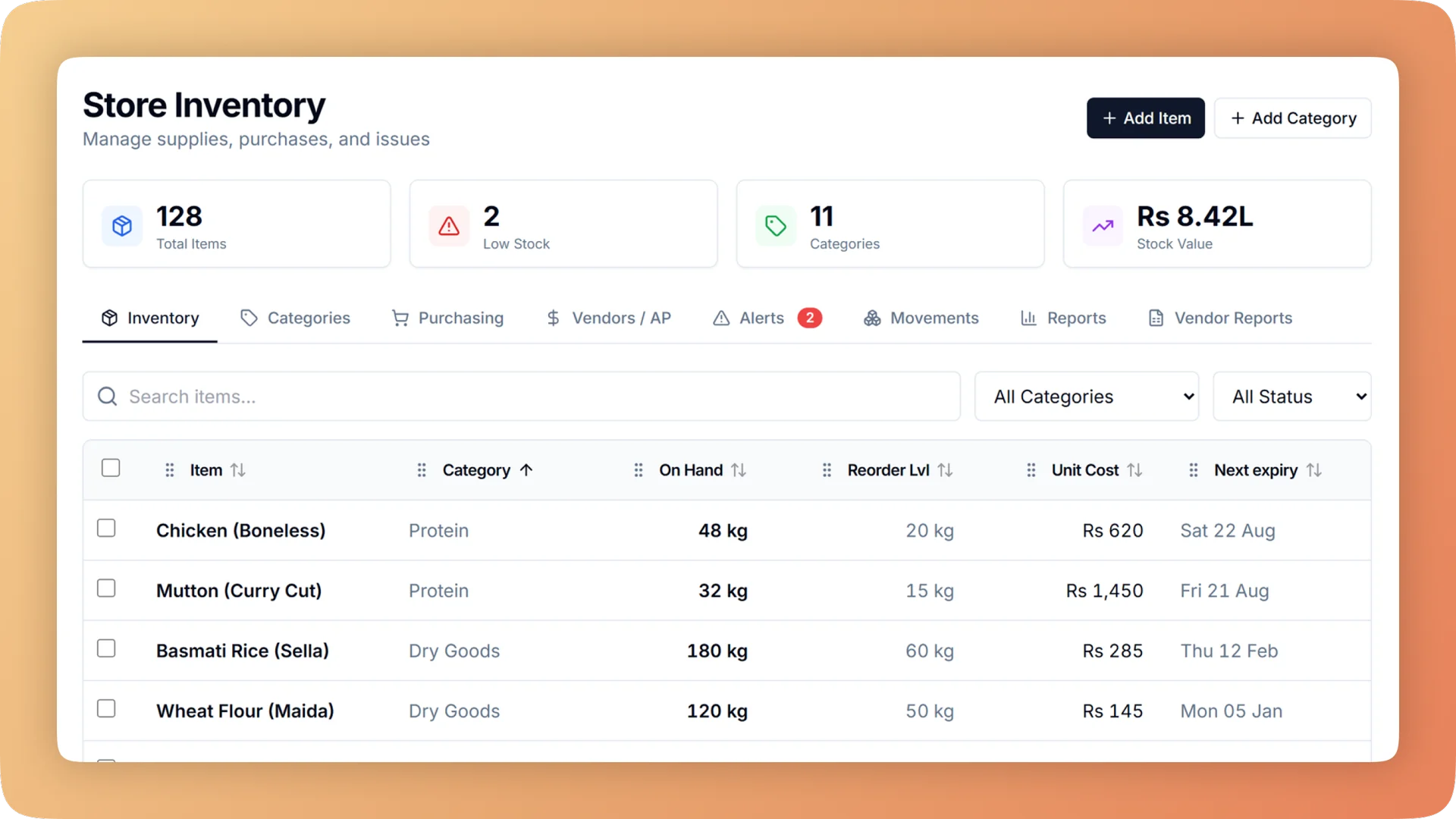
What Store Inventory does for your café & shisha lounge.
- Stock that updates as you sell
- When a bill is paid, each ingredient in the recipe leaves stock, down to the takeaway cup. A stock problem never blocks a sale, so the queue keeps moving and the numbers catch up behind it.
- A count that speaks in money
- Enter what is on the shelf. Bhookly shows the gap in units and in rupees, then sets stock to the count. Theft and leakage stop being a feeling and become a figure.
- Reordering in minutes
- Items that need attention are grouped by supplier, each with usage per day, days of cover and a suggested quantity. One tap turns the list into a purchase order.
- Expiry dates that protect money
- Every delivery has its own date and the earliest is used first. Alerts show the money at risk before the date passes, and an expired batch is written off at what it really cost.
- Safeguards against typing mistakes
- Units are locked once an item is in use, and a large opening value needs a tick to confirm. At one café, a single typo once made up 81% of the stock value on the books.
- Losses separated by cause
- Stock reports show what stock is worth, what was used and what is being lost: waste, missing at count and dishes thrown away. Each cause has its own line, so you know which problem to fix first.
Built for how lounges actually run.
- Full Store Inventory overview
Restaurant inventory management that deducts ingredients as each bill is paid, turns every count gap into a money figure and suggests what to reorder.
- Bhookly for lounges
POS for lounges with long tabs and big tables.
- Tabs that stay open for hours and sometimes never get billed.
- Groups of fifteen who each want to pay their own share.
- Fast-moving stock that does not match what was sold.
- Comps and voids for friends of the staff.
- A floor that looks full on screen while tables sit empty.
- Trade that runs past midnight and splits one night across two reports.
More of what lounges run on
Point of Sale for lounges
A restaurant POS with one screen from order to payment: split a bill between 2 and 30 guests, hold orders, apply bank card deals and keep selling offline.
Table Management for lounges
Table management on your own floor plan: each table shows its order, guests, running bill and a timer, and waiters send orders to the kitchen from a tablet.
Void Log for lounges
Every void needs a reason and a manager PIN, and lands in a permanent log: who voided, who approved, why, the value and whether the food was made.
Things people usually ask us.
Still have a question? Message us and we reply the same day.
Does stock update automatically when a dish is sold?
Yes. In Bhookly, each ingredient in a dish's recipe leaves stock the moment the bill is paid, including takeaway packaging when the order leaves the building. Nobody has to key in usage at the end of the day, and a stock problem never blocks a sale.
How do I find out if stock is going missing?
Count the item and Bhookly shows the gap in units and in money. A count that comes up short reads, for example, "about Rs 900 missing", stock is set to the real figure, and the gap lands in the stock loss report as missing at count, separate from waste.
Can Bhookly tell me what to reorder and how much?
Yes. Bhookly lists the items that need attention, grouped by supplier, with usage per day, days of cover and a suggested quantity. One tap turns a supplier's group into a purchase order.
Does the inventory track expiry dates?
Yes. Bhookly gives each delivery its own expiry date and always uses the earliest first. Alerts show the money at risk before the date passes, and an expired batch can be written off at its real cost so it is counted as a loss.
What happens if someone enters the wrong unit or quantity?
Bhookly locks an item's unit once it is in use and asks for a tick to confirm a large opening value. These guards exist because of real mistakes: at one café a single typo made up 81% of the stock value before it was caught.
Can I see who took stock out and why?
Yes. Bhookly records every stock movement with the person and the reason in plain words, such as "Issued to Ali, staff use" or "Wasted, spoilage". Staff meals, cleaning supplies, spoilage and returns to a supplier each have their own reason.
Can I track stock for more than one store, kitchen or branch?
Yes. Bhookly tracks inventory per branch, with a consolidated view in the manager dashboard. Inside a branch, stock can be held in named places such as the store and the kitchen, and it moves between them only through a recorded request.
Can I load my existing stock list and use a barcode scanner?
Yes. Bhookly imports stock items from an Excel sheet and checks every row before saving. Items can carry several barcodes with pack sizes, and a USB scanner finds or counts an item in one scan.
Run store inventory on Bhookly.
چلیں، شروع کریں
Book a 20-minute demo. We'll show you Bhookly running on your kind of restaurant, with no pressure and no obligation.
- No lock-in contracts
- Live in a morning
- Same-day WhatsApp support