Restaurant customer feedback and review management that reaches you in minutes.
Hear about a bad meal in minutes and fix it. Bhookly gives every guest a rating page that leads to your Google reviews and a private line to you, alerts you on WhatsApp when a rating is low, and counts the revenue when that guest comes back.
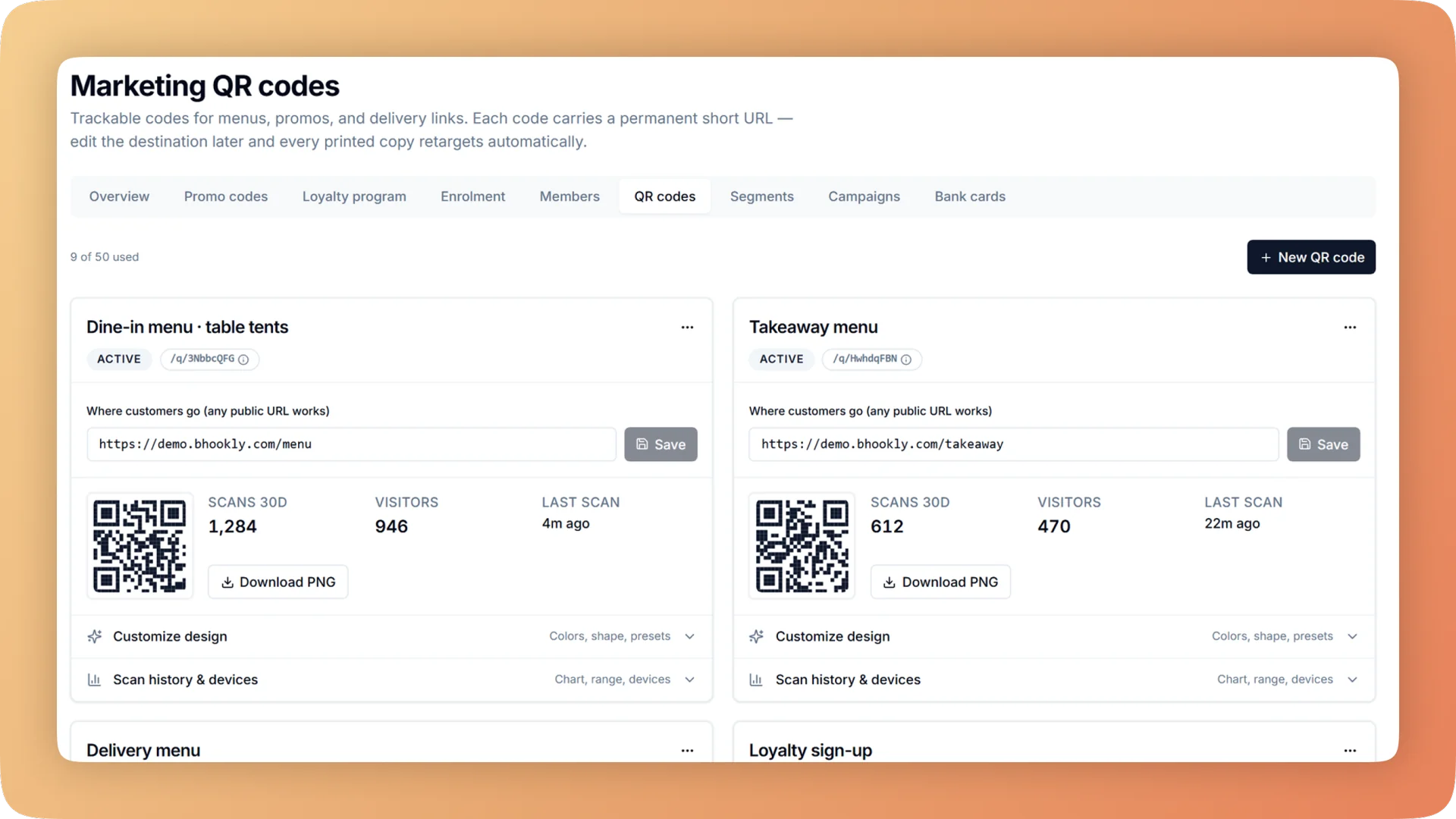
Reviews & Guest Recovery on a live shift.
A QR on the receipt collects a rating tied to the order, server and day. A low one reaches you on WhatsApp in minutes, with an apology and coupon ready to send.
- A rating page reached from a receipt QR, a poster or a message, linked to your Google review page
- Every rating tied to the order, the server and the day
- A WhatsApp alert to the owner when a private rating is low
- A recovery inbox where one action sends an apology with a comeback coupon
- Recovered revenue counted when the coupon is redeemed
What you get with Reviews & Guest Recovery.
- More guests asked, with no extra work
- The review booster is a rating page guests open from a QR on the receipt, a poster on the counter or a message after their visit. It points guests to your Google review page and gives every guest a private way to tell you what went wrong.
- Complaints that come with context
- A rating left from the receipt QR arrives attached to the order, the server and the day. You know what was eaten, who served it and when, before you reply.
- Told within minutes
- A low private rating sends a WhatsApp alert to the owner. The counter also sees unhappy guests from the last two hours, so staff can act while the guest may still be at the table.
- One action to put it right
- The guest recovery inbox is a worklist of low ratings. One action sends an apology with a comeback coupon for the next visit.
- Recovery you can measure
- When a guest returns and redeems the coupon, Bhookly counts that bill as recovered revenue. You see how many complaints became return visits and what they were worth.
- Generous, with a record
- For a problem on the floor, a manager issues a service recovery coupon for the next visit, sized by how serious it was. It needs a manager PIN, is tied to that guest and is logged.
Everything Reviews & Guest Recovery does.
Used by owners, managers and cashiers.
Collecting feedback
Most unhappy guests say nothing and do not return. These give them an easy place to say it.
- Review booster
- A rating page for your restaurant. It points guests to your Google review page and gives every guest a private way to tell the owner what went wrong.
- Feedback QR on the receipt
- Print a review QR on every receipt. The guest scans it at the table or at home and rates the visit in a few taps.
- Ratings tied to order, server and day
- Because the QR belongs to one receipt, the rating arrives linked to that order, the server who handled it and the date.
- Posters and messages
- The same rating page opens from a QR on a counter poster or table tent, or from a link in a message.
- "What went wrong" reasons
- A guest with a complaint picks food, service, wait, cleanliness or value, and can add a comment. You get a complaint you can act on, sorted by cause.
- Review request automation
- An automatic message asks guests for a review after their visit. It runs by itself once switched on.
Hearing about it fast
A complaint answered the same evening is a different conversation from one found a week later.
- Low-rating alert on WhatsApp
- The owner receives a WhatsApp message when a guest leaves a low private rating, within minutes of it being submitted.
- Unhappy guests at the counter
- The counter screen shows unhappy guests from the last two hours. The manager on duty can walk over, apologise and fix it before the guest leaves.
- Unhappy-guests-waiting alert
- The owner dashboard raises an alert while low ratings are waiting for a reply, alongside its alerts for voids, stock and the drawer.
- Guest recovery inbox
- Every low rating lands in one worklist with its reason, comment, order and server. Nothing depends on someone remembering to check.
Putting it right
An apology with a reason to come back, issued under control and measured afterwards.
- Apology with a comeback coupon
- From the inbox, one action sends the guest an apology and a coupon for their next visit.
- Recovered revenue
- When the coupon is redeemed, the bill is counted as recovered revenue. Complaints become return visits you can put a number on.
- Service recovery coupon by severity
- When something goes wrong during service, a manager issues a larger coupon for the next visit, sized to the severity of the problem. It turns a bad moment into a return visit without comping today's bill.
- Manager PIN on every recovery coupon
- A service recovery coupon cannot be issued without a manager PIN, which records who approved it.
- Tied to the guest and logged
- Each recovery coupon belongs to one guest. Every one issued is on the record, so goodwill does not become a leak.
- Apology coupon on the receipt
- The receipt itself can carry the apology coupon, so the guest leaves with it in hand.
“We were managing everything on paper and WhatsApp. Bhookly changed that in a single day. Our kitchen team actually wants to use it — which has never happened with any software before.”
Things people usually ask us.
Still have a question? Message us and we reply the same day.
How can I collect customer feedback in my restaurant?
Bhookly collects feedback through a QR code printed on the receipt, a QR on a poster or table tent, or a link in a message. Each opens a rating page where the guest rates the visit, and a rating from a receipt is tied to that order, server and day.
How do I find out about a bad experience before it becomes a bad review?
Bhookly alerts the owner on WhatsApp when a guest leaves a low private rating, usually while the visit is still fresh. The counter also sees unhappy guests from the last two hours, and the owner dashboard shows an alert while any are waiting for a reply.
Can Bhookly help my restaurant get more Google reviews?
Yes. Bhookly's review booster is a rating page that points guests to your Google review page, reached from a receipt QR, a poster or a message. A review request automation can also ask guests after their visit without staff doing anything.
What can I do when a guest leaves a low rating?
In Bhookly you open the guest recovery inbox and send an apology with a comeback coupon in one action. The rating shows the reason the guest chose, their comment, the order and the server, so the reply can be specific.
How do I know whether apologising to unhappy guests brings them back?
Bhookly counts it. When a guest redeems the comeback coupon sent from the recovery inbox, that bill is recorded as recovered revenue.
Can staff give away recovery coupons freely?
No. In Bhookly a service recovery coupon needs a manager PIN, is tied to one guest and is logged with who approved it. The manager chooses its size by the severity of the problem.
Will I know which waiter or order a complaint is about?
Yes. A rating left through the Bhookly receipt QR arrives tied to the order, the server and the day, and the guest picks what went wrong: food, service, wait, cleanliness or value.
Works with the rest of Bhookly
Let's get your restaurant running on Bhookly.
چلیں، شروع کریں
Book a 20-minute demo. We'll show you Bhookly running on your kind of restaurant, with no pressure and no obligation.
- No lock-in contracts
- Live in a morning
- Same-day WhatsApp support