The FBR, PRA and KPRA integrated POS that files every bill at payment.
Every paid bill is filed with your tax authority from the till, with no separate fiscal software. The right tax rate is applied by payment type, refunds become credit notes, and the monthly return figures are waiting in the tax report.
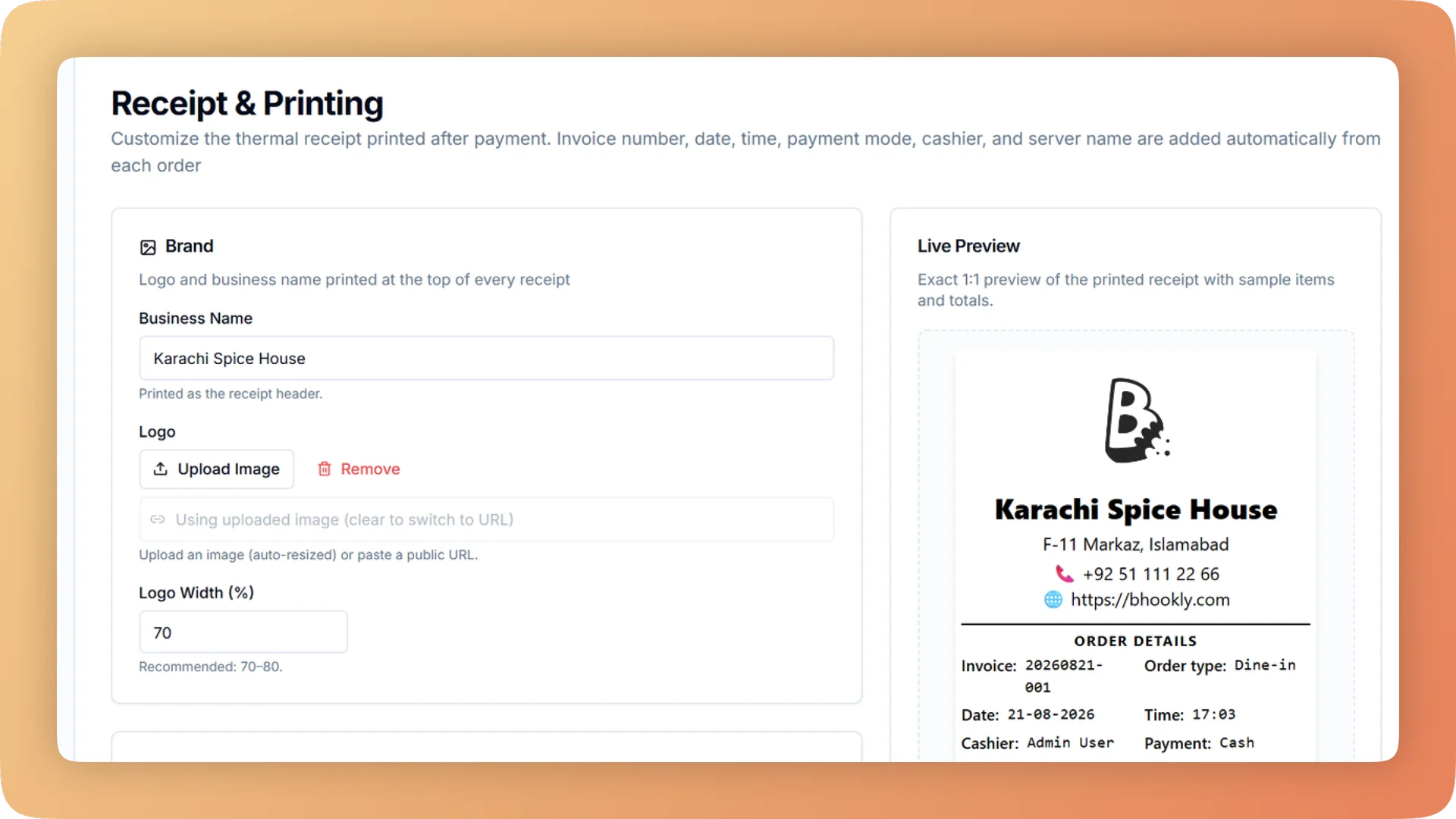
Fiscal Invoicing on a live shift.
Bhookly files each sale with FBR, PRA or KPRA at payment and prints the official invoice number and QR on the receipt. If the authority is down, it retries.
- Sales filed with FBR, PRA or KPRA at the moment of payment
- The official invoice number and QR code printed on every receipt
- A filing retry queue: the sale completes if the authority is down, and is never filed twice
- Tax rates per payment type, so cash and card bills are each taxed correctly
- A tax report showing tax charged against tax filed, ready for the return
What you get with Fiscal Invoicing.
- Filed at payment, from the till
- When the cashier takes payment, Bhookly files the sale with FBR, PRA or KPRA and prints the authority's invoice number and QR code on the receipt. There is no second programme to run and nothing to key in at night.
- An authority outage never stops a sale
- If the authority's system is down or the internet drops, the sale completes and the filing joins a retry queue. It is sent as soon as the authority answers, and a sale is never filed twice.
- The right tax with no arithmetic
- Set a tax rate for each payment type and a service charge once. Where your province taxes card and cash payments at different rates, the bill recalculates when the guest changes how they pay.
- Refunds are credit notes, not deletions
- A sale is never deleted. A full or partial refund needs a manager PIN and a reason, is recorded against the original bill, and the till still balances at close.
- Records nobody can rewrite
- Void, day-close and tax logs cannot be edited or deleted, even in the database, and closed days are final. What you show an auditor is what happened.
- Month-end in one file
- The month-end pack is one Excel workbook with every report plus a full order audit export. Each export includes a "Basis" sheet defining every line, so your accountant never has to ask how a number was calculated.
Everything Fiscal Invoicing does.
Used by owners, accountants, managers and cashiers.
Filing with the tax authority
Bhookly's fiscal invoicing works with FBR, PRA and KPRA.
- Filing at payment
- Each sale is reported to the tax authority as the bill is paid. The cashier does nothing extra.
- Official number and QR on the receipt
- The receipt carries the invoice number issued by the authority and its QR code, which a guest or an inspector can scan to verify the bill.
- FBR, PRA and KPRA
- Federal filing with FBR, Punjab filing with PRA and Khyber Pakhtunkhwa filing with KPRA all run from the same till.
- Filing retry queue
- When the authority cannot be reached, the sale completes and the filing waits in a queue that retries by itself. Outages never stop sales or lose filings.
- No double filing
- A retried filing can only ever be recorded once, so the authority's total and yours stay the same.
- Tamper-proof tax log
- Every filing attempt and its result is kept in a log that cannot be edited or deleted.
Tax and charges at the till
Rates are set once by the owner, then applied by the till on every bill.
- Tax per payment type
- Cash, card and online each have their own tax rate where the law requires it. The cashier picks the payment type and the correct rate follows.
- Service charge
- Set a standard service charge for the restaurant. It is added to bills automatically and split per waiter on the Z report.
- Per-order override
- The service charge can be overridden as a percentage or an amount for one bill, without changing the restaurant's setting.
- Bill before payment
- The printed bill shows the total by each payment type, priced by the same calculation as checkout. The bill and the charge can never disagree.
- Stale totals refused
- If a bill changed after the total was shown, the server refuses the old total and the till reprices before taking payment.
- Named online payment providers
- Split "Online" into named wallets or banks, such as Easypaisa, JazzCash or a bank account. Each one reconciles against its own statement.
Refunds and records
The parts of compliance that protect the owner as much as the tax return.
- Refunds as credit notes
- A refund is issued against the original sale as a credit note. The original bill stays on record.
- PIN and reason on every refund
- Full and partial refunds need a manager's PIN and a written reason. Refunds cannot be used to hide theft.
- Tamper-proof records
- Void, day-close and tax logs cannot be edited or deleted, even in the database.
- Closed days are final
- Once a day is closed its figures are sealed. A correction is a logged reopening by PIN, not a quiet edit.
- Accountant login
- A read-only login for reports, expenses and profit. Your accountant or tax consultant gets the figures without being able to change anything.
Reports for the return
What the accountant needs at month-end, without asking the restaurant for it.
- Tax report
- Tax broken down by rate, with tax charged set against tax filed. The monthly return figures are ready.
- Z report
- One numbered end-of-day slip with sales, tax, counted versus expected money, cash movements, voids, refunds, discounts and the service-charge split per waiter.
- Bank promo claims
- For bank-funded card discounts, one claim sheet per bank shows what each bank owes you. You never under-claim or over-claim.
- Month-end pack
- One Excel workbook containing every report, plus a full order audit export. Month-end handover is a single file.
- Exports with a "Basis" sheet
- Every Excel export includes a sheet that defines each line and how it was calculated.
- Refund log
- Refunds listed per day with printable refund receipts, so every credit note can be produced on request.
“Setup took less than a morning. By dinner service we were fully live. I've onboarded three POS systems over the years — this is by far the fastest I've ever seen a team get comfortable.”
Things people usually ask us.
Still have a question? Message us and we reply the same day.
Is Bhookly an FBR integrated POS?
Yes. Bhookly is integrated with FBR, and also with PRA and KPRA. Each sale is filed with the authority at payment and the receipt prints the official invoice number and QR code.
Which tax authorities does Bhookly work with?
Bhookly's fiscal invoicing works with three authorities: FBR, PRA (Punjab Revenue Authority) and KPRA (Khyber Pakhtunkhwa Revenue Authority).
What happens if the FBR or PRA server is down?
The sale still completes. Bhookly places the filing in a retry queue and sends it when the authority responds, and a sale is never filed twice.
Does the receipt show the FBR invoice number and QR code?
Yes. Every receipt Bhookly prints for a filed sale carries the official invoice number from the authority and its QR code.
Can the POS charge a different tax rate for card and cash?
Yes. Bhookly holds a tax rate per payment type, so cash, card and online bills are each taxed at the rate you set. The printed bill shows the total for each payment type before the guest pays.
How are refunds handled for tax purposes?
Bhookly records every refund as a credit note against the original sale and never deletes the sale. Full and partial refunds need a manager PIN and a reason, and they appear in the refund log and on the Z report.
Can my accountant get the figures without access to the till?
Yes. Bhookly has a read-only accountant login for reports, expenses and profit. The tax report, the month-end Excel pack and the "Basis" sheet in each export give the accountant every figure and how it was calculated.
Can staff edit or delete sales records after the day is closed?
No. In Bhookly, closed days are final, and the void, day-close and tax logs cannot be edited or deleted, even in the database.
Works with the rest of Bhookly
Let's get your restaurant running on Bhookly.
چلیں، شروع کریں
Book a 20-minute demo. We'll show you Bhookly running on your kind of restaurant, with no pressure and no obligation.
- No lock-in contracts
- Live in a morning
- Same-day WhatsApp support