Expenses for caterers.
For caterers, Expenses sits behind Bhookly's staff controls. Each person has their own login, each of the eight job roles sees only its own screens, and voids, refunds and full comps need a manager PIN.
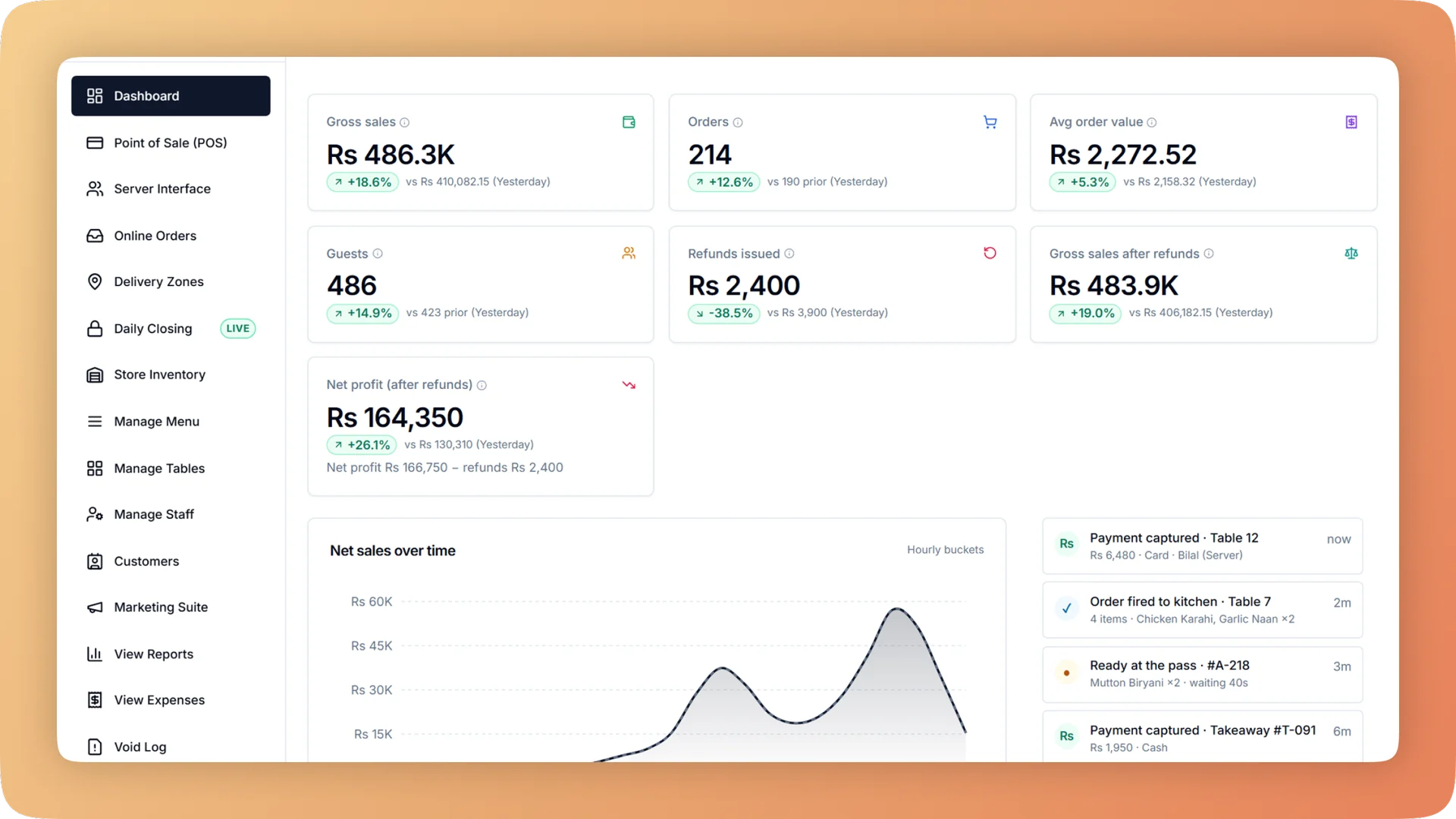
What Expenses does for your caterer.
- Where the money went, on one screen
- The expense overview shows sales, cost of goods, running costs, stock purchases and the result for the period you pick. Click any number to see the rows behind it.
- Profit and loss when you want it
- Gross sales down to net profit by hour, day, week or month, each compared with the previous period. Monthly profit is there on the first of the month.
- Petty cash with a paper trail
- Money taken from the drawer is recorded with a reason and filed as an expense, a stock purchase or neither. It appears in the cash-up and in the books from a single entry.
- A profit figure that deliveries cannot bend
- Stock becomes a cost when it sells, not when it is bought. One restaurant's day once showed a minus 78% margin only because a delivery had landed.
- Owner's eyes only
- Managers record bills but cannot open the profit and loss statement. The owner sees it, and the accountant gets a read-only login for reports, expenses and profit.
- Month-end in one file
- The month-end pack is one Excel workbook with every report, plus a full order audit export. A "Basis" sheet explains how each line was calculated.
Built for how caterers actually run.
- Full Expenses overview
Restaurant expense tracking with a profit and loss statement by hour, day, week or month. Record every bill once and click any total to see the rows behind it.
- Bhookly for caterers
Catering software from booking to final invoice.
- Bookings kept in a notebook and a WhatsApp thread, with no single version of the order.
- Deposits that land in the till and throw off the day's cash-up.
- Quantities worked out in someone's head, then a last-minute run to the market.
- The guest count changes two days before, and the kitchen cooks from the old number.
- Chafing dishes and serving trays that go to a venue and never come back.
- No idea whether last weekend's wedding made money.
More of what caterers run on
Catering Management for caterers
Take a catering booking, record the deposit, send it to the kitchen as a cooking plan in one tap, and close the event knowing what it really cost.
Kitchen Production Planning for caterers
Plan what the kitchen will cook, see every ingredient it needs, and move stock from store to kitchen by recorded request, with a name, a quantity and a time.
Recipe Costing for caterers
Recipe costing software for restaurants: see price, cost, profit and margin on every dish, with the food cost per plate worked out line by line.
Things people usually ask us.
Still have a question? Message us and we reply the same day.
Can I see my restaurant's actual profit, not only sales?
Yes. Bhookly's profit and loss statement runs from gross sales down to net profit, by hour, day, week or month, with each period compared to the one before. It uses the expenses you record and the cost of the dishes sold.
How do I track restaurant expenses like rent, salaries and utilities?
Record each bill in Bhookly's expense ledger with a category, payee, payment method, reference and supplier. The owner defines the categories, and the expense overview totals them against sales for any period.
Can my manager record expenses without seeing the profit?
Yes. In Bhookly, managers record bills and cash movements but cannot see the profit and loss statement. Only the owner and the accountant can open it.
How is cash taken from the till for expenses recorded?
In Bhookly, money taken from the drawer is recorded with a reason and filed as an expense, a stock purchase or neither. The one entry reaches both the nightly cash count and the books, so petty cash is explained without double entry.
Does a stock purchase show up as an expense?
No. Bhookly never counts a stock purchase as an expense twice: stock becomes a cost when it sells. One restaurant's day once showed a minus 78% margin only because a delivery landed, and this rule is what prevents it.
Can I give my accountant access to the numbers?
Yes. Bhookly has a read-only accountant login covering reports, expenses and profit. The accountant can also take the month-end pack, one Excel workbook with every report and a full order audit export.
Will my accountant understand how the figures were calculated?
Yes. Every Excel export from Bhookly includes a "Basis" sheet that defines each line. The accountant can read how a number was worked out without calling you.
Can I track expenses for more than one branch?
Yes. Bhookly tracks expenses for each location, so you can see profit by branch and compare one against another.
Run expenses on Bhookly.
چلیں، شروع کریں
Book a 20-minute demo. We'll show you Bhookly running on your kind of restaurant, with no pressure and no obligation.
- No lock-in contracts
- Live in a morning
- Same-day WhatsApp support